Understanding DXF Files for Laser Cutting
What is a DXF File?
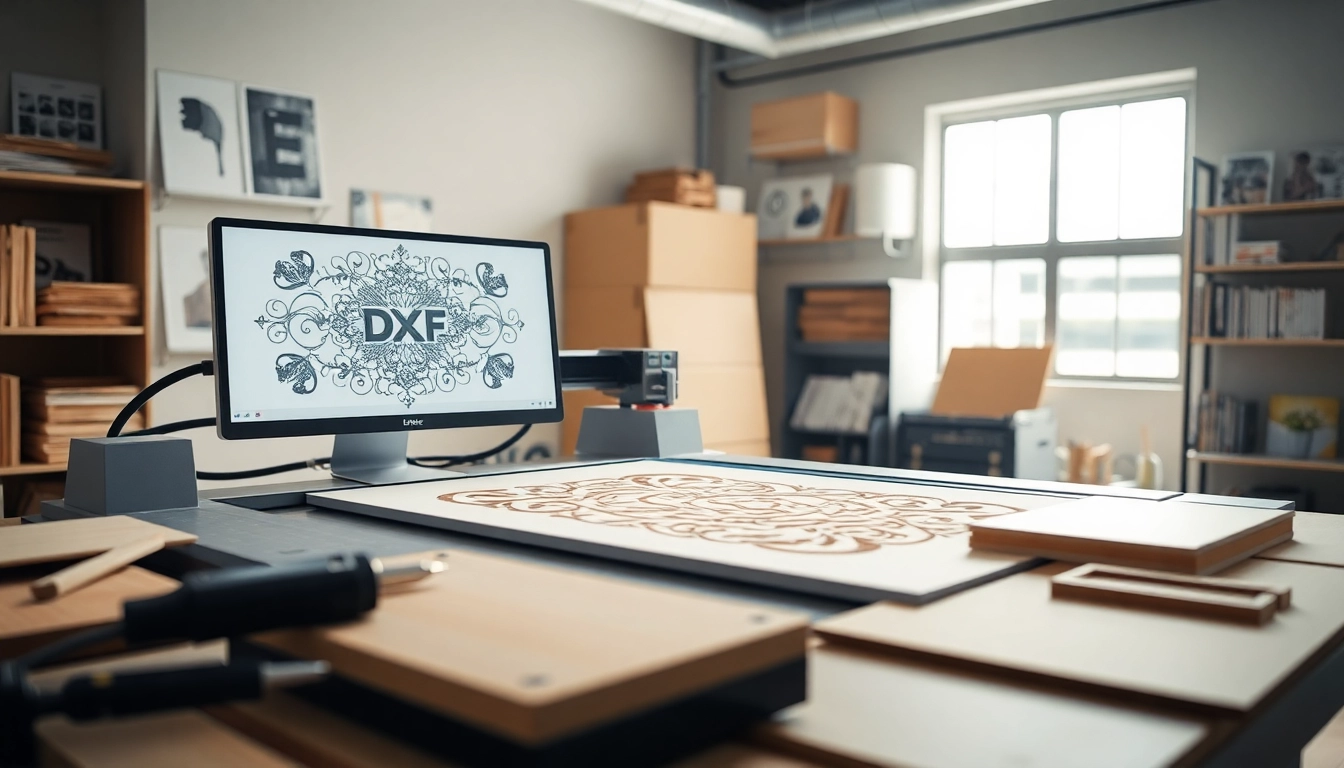
DXF, short for Drawing Exchange Format, is a file format developed by Autodesk for enabling data interoperability between different CAD software. It allows computer-aided designs to be shared across various platforms while retaining the integrity of the design details. In the context of laser cutting, DXF files are especially valuable as they contain vector graphics that provide the necessary coordinates and paths that laser cutters use to perform precise cuts. These files typically include line, curve, and text elements, making them versatile for multiple applications.
Benefits of Using DXF Files
One of the primary advantages of using the dxf file for laser cutting is its compatibility with most laser cutting machines. DXF files are designed to convey vector data, which is critical for maintaining high precision in cutting. Additionally, DXF files are easy to modify, allowing designers to tweak their designs without significant hassle. The format supports complex graphics that can include detailed curves and shapes, giving designers flexibility in their creative processes. Moreover, DXF files can be created from various CAD software, making them accessible to a broad range of users.
Common Applications of DXF in Laser Cutting
DXF files find extensive applications across various industries through laser cutting. For instance, in the manufacturing sector, DXF files are used to create intricate parts and components for machinery. The art and craft industry leverages DXF files for producing decorative items, signs, and customizable gifts. Similarly, architectural firms utilize DXF formats to create precise models and prototypes of buildings. Other applications include the automotive industry for custom parts fabrication and the jewelry industry for unique designs. The versatility of DXF files makes them an essential tool across these varied fields.
Essential Steps to Create a DXF File for Laser Cutting
Choosing the Right Software
The first step in creating a DXF file for laser cutting is selecting the appropriate software. Several CAD tools offer functionality for generating DXF files, such as AutoCAD, SolidWorks, and CorelDRAW. Each software has its strengths, depending on the user’s requirements. For example, AutoCAD is particularly renowned for its precision and control over dimensional accuracy. SolidWorks, on the other hand, is favored for its ability to handle three-dimensional models, which can then be converted into a 2D DXF format. It is crucial to choose a tool that aligns with your design needs and expertise level.
Designing Your Artwork
Once the software is selected, the next step is to create the design. The artwork needs to be cleanly structured, as cluttered designs can confuse laser cutting machines. Key considerations include using a consistent line width and ensuring that all paths are closed where necessary. If the design contains details, elements such as fillets or chamfers should be optimized for laser cutting to reduce the chances of errors during the cutting process. Keeping the design simple initially can help avoid unnecessary complications.
Exporting and Saving Your DXF Files
After completing the design, it’s essential to correctly export the file in DXF format. This process may differ slightly based on the software being used. Generally, users can find the export function under the “File” menu. When saving, it’s advisable to select the version of DXF that best suits the laser cutter. Different versions may have different compatibilities, so checking documentation for your laser cutter is crucial. After saving, always double-check the exported file to ensure it contains the intended vector paths.
Best Practices for Preparing DXF Files
Layer Management in Your Designs
Effective layer management is essential when preparing DXF files for laser cutting. Using different layers for various sections of a design allows for clear visual separation and organization. This practice becomes crucial during the cutting process, where individual layers can indicate different cutting speeds or depths. Maintaining consistent naming conventions helps operators quickly identify which layer corresponds to specific tasks. Additionally, minimize the use of unnecessary layers to avoid confusion.
Scaling and Dimensioning
Scaling your design correctly before exporting it to DXF is vital. Laser cutters work best with accurate dimensions, and even the tiniest discrepancies in scale could lead to flawed products. Always check the dimensions of your artwork against the material you will be using. Some software allows for direct measurements, which can be beneficial. To ensure that your scaling does not distort your artwork, lock the proportions when adjusting dimensions.
Testing Your DXF File
Before proceeding to mass production, it is advisable to conduct test cuts using your DXF file. Creating prototypes can help identify and correct potential issues within the design. Consider testing with different materials to see how well the file performs under varying conditions. This step can help save time and costs in the long run by ensuring the final product meets your standards.
Common Issues with DXF Files for Laser Cutting
File Corruption Problems
One common issue faced when working with DXF files is file corruption. This problem can arise due to software bugs or improper saving processes. To mitigate this risk, save your work frequently and back up files in multiple locations. Moreover, consider periodically extracting files to ensure they can still be opened correctly. If you notice degradation or damage to your files, re-export from the original CAD software if available.
Import Errors with Different Laser Cutters
Not all laser cutters interpret DXF files identically, which can lead to import errors. Compatibility issues may arise from using outdated software or saving the file in an unsupported DXF version. To counter this, ensure that the cutter’s software is up-to-date and consult the manufacturer’s documentation for preferred file specifications. Additionally, using common layers and path formats can help ease compatibility across different machines.
Tips to Resolve Compatibility Issues
To resolve compatibility issues, it’s beneficial to familiarize yourself with the laser cutter’s requirements. Always check the cutter’s user manual for specifications on layers, colors, and paths. In some cases, opening a DXF file in a different CAD program and re-saving it can purge any corrupt data. Establishing a routine for cleaning and validating DXF files before sending them to the cutter can also minimize the risks of encountering issues during the cutting process.
Future of DXF Files in Laser Cutting Technology
Integration with Advanced CAD Tools
The future of DXF files within laser cutting will likely involve deeper integration with advanced CAD tools. As technology evolves, more sophisticated design capabilities will emerge, enhancing the precision and efficiency of DXF file generation. Enhanced software will likely include features that automatically optimize designs for specific laser cutting techniques, reducing the need for manual adjustments and improving productivity across various applications. This trend aims to streamline workflows and improve the overall user experience.
Emerging Trends in Laser Cutting Techniques
Laser cutting technology is undergoing rapid advancements, with newer techniques emerging that could influence the functionality of DXF files. For instance, as technology integrates with AI, users can expect smarter cutting solutions that suggest modifications for optimizing designs based on material properties. Innovations like hybrid manufacturing, which incorporates additive techniques alongside traditional cutting, may also extend the applicability of DXF files in contemporary fabrication processes.
Increasing Demand for Custom DXF Designs
As customization trends rise, the demand for unique DXF designs will increase. Customers now seek personalized products ranging from custom signage to intricate decorative pieces. This shift will encourage designers to adopt DXF files more extensively to cater to specific consumer requirements. Consequently, developing a library of custom DXF files can be a significant asset for designers wanting to remain competitive in the laser cutting market.
Frequently Asked Questions
What are DXF files for laser cutting?
DXF files are vector graphics files used in laser cutting to provide precise cutting paths. They contain coordinates and details that guide lasers in creating intricate designs across various materials.
Can you create DXF files for free?
Yes, several software options allow users to create DXF files for free. Open-source CAD tools like LibreCAD and online platforms offer the functionality needed for basic design and export.
Does LightBurn accept DXF files?
Yes, LightBurn software supports DXF files. Users can import, edit, and optimize these files for laser cutting, making it a versatile option for laser cutting setups.
Why is DXF preferred over other formats for laser cutting?
DXF is preferred for laser cutting due to its vector-based format, ensuring precision and detail retention needed for intricate designs. Other formats like SVG also work but may lack certain CAD-specific features.
How can I troubleshoot DXF file errors?
To troubleshoot DXF file errors, check for compatibility issues, ensure that all paths are closed, and validate the file format against the requirements of your laser cutter. Regular backups also help mitigate data loss.